





















Quick navigationPage navigation
App
Grand Mondial Casino App: Android, iOS & Mobile Browser Guide
This isn't a workaround or a second-tier experience. The mobile browser version is fully functional, covers the entire game catalogue, and works on virtually any modern smartphone. The key difference is at the infrastructure level, not the gameplay level.
| Platform | Access Method | Requirements | Region |
|---|---|---|---|
| Android (Ontario) | Native app via Google Play | Android 8.0+, ~150-200 MB | Ontario only |
| iOS (Ontario) | Mobile browser (Safari) | iOS 9.0+ | Ontario only |
| Android (other provinces) | Mobile browser | Android 5.0+ | All provinces except Ontario |
| iOS (other provinces) | Mobile browser (Safari) | iOS 9.0+ | All provinces except Ontario |
For a complete overview of how to create or access your account on mobile, the registration guide covers the full process step by step.
The practical takeaway: if you're in Ontario and on Android, you have a distinct installation advantage. If you're anywhere else in Canada, the browser experience is the standard - and it's been built to handle it well.
Android
Android App for Ontario Players - Download and Setup
If you're an Ontario resident playing under the AGCO framework, the Grand Mondial casino app for Android is available through Google Play as an officially regulated product. The operator behind it is Apollo Entertainment Ltd., and the listing is fully compliant with iGaming Ontario standards. Here's how to get it installed:
- Open the Google Play Store on your Android device.
- Search for "Grand Mondial Casino Ontario" - make sure you're selecting the Ontario-specific listing, not a similarly named product.
- Tap Install. The app is free to download.
- Once installed, open the app and tap Log In if you already have an account, or Register to create one.
- Complete the standard verification steps - the same KYC and account setup process that applies on desktop.
System requirements: - Android version: 8.0 or higher - Storage: approximately 150-200 MB - Internet: stable connection recommended; minimum 5 Mbps for live dealer tables
The Ontario app is the only version of Grand Mondial distributed through an official app store in Canada. There are no APK files for sideloading, no third-party download sources, and no iOS application available through the App Store - for Ontario or elsewhere.
iPhone
iOS Access - Playing on iPhone and iPad
For iPhone and iPad users across Canada, including Ontario, there is no native App Store application. The entire mobile experience runs through Safari or any modern mobile browser. That said, there's a practical shortcut that makes the browser feel much closer to a native app: the Add to Home Screen function.
Here's how to set it up:
- Open Safari on your iPhone or iPad and navigate to the Grand Mondial casino mobile site.
- Tap the Share icon (the square with an upward arrow) at the bottom of the screen.
- Scroll down in the share sheet and tap Add to Home Screen.
- Give it a name if you want, then tap Add.
The shortcut now appears on your home screen like any other app icon. When you tap it, it launches in full-screen mode without the Safari address bar or navigation controls - the browsing interface disappears entirely. This is what's commonly called a pseudo-PWA, and for everyday casino sessions it behaves functionally like an installed application.
iOS 9.0 or higher is required, which covers virtually every iPhone currently in use. The game library, deposit and withdrawal functions, live chat support, and bonus claims all work identically to the desktop version. The only thing you won't have is push notifications - those are exclusive to the native Ontario Android app.
Mobile
What You Can Do on Mobile - Full Feature List
In practical terms, Grand Mondial casino mobile covers the same real-money essentials as desktop, and for Ontario users the Grand Mondial casino app gives the smoothest direct path to them.
One of the persistent myths about mobile casino browsers is that you're somehow getting a limited version of the platform - fewer games, restricted banking, or stripped-down support. At Grand Mondial, that's not the case. The HTML5 mobile experience was built to be functionally complete, not just a lite version of the desktop interface.
Here's what's fully accessible through the mobile browser version on any device:
- All 1,000+ games, including slots, RNG table games, video poker, and live dealer
- Deposits and withdrawals through all supported methods (Interac, Visa, Neteller, etc.)
- Live chat support, available 24/7
- Bonus claims, including the welcome bonus and any active VIP promotions
- KYC document uploads through the account settings
- Transaction history and PlayCheck tools
- VIP dashboard and Casino Rewards loyalty programme access
- Live dealer lobby with 320+ tables (Ontario) or the standard live section in other provinces
The mobile layout adapts to screen size automatically. Navigation between categories, game search, and banking flows are all touch-optimised. For the majority of players, the mobile browser session is practically indistinguishable from a desktop session - the screen is smaller, but nothing functional is missing.
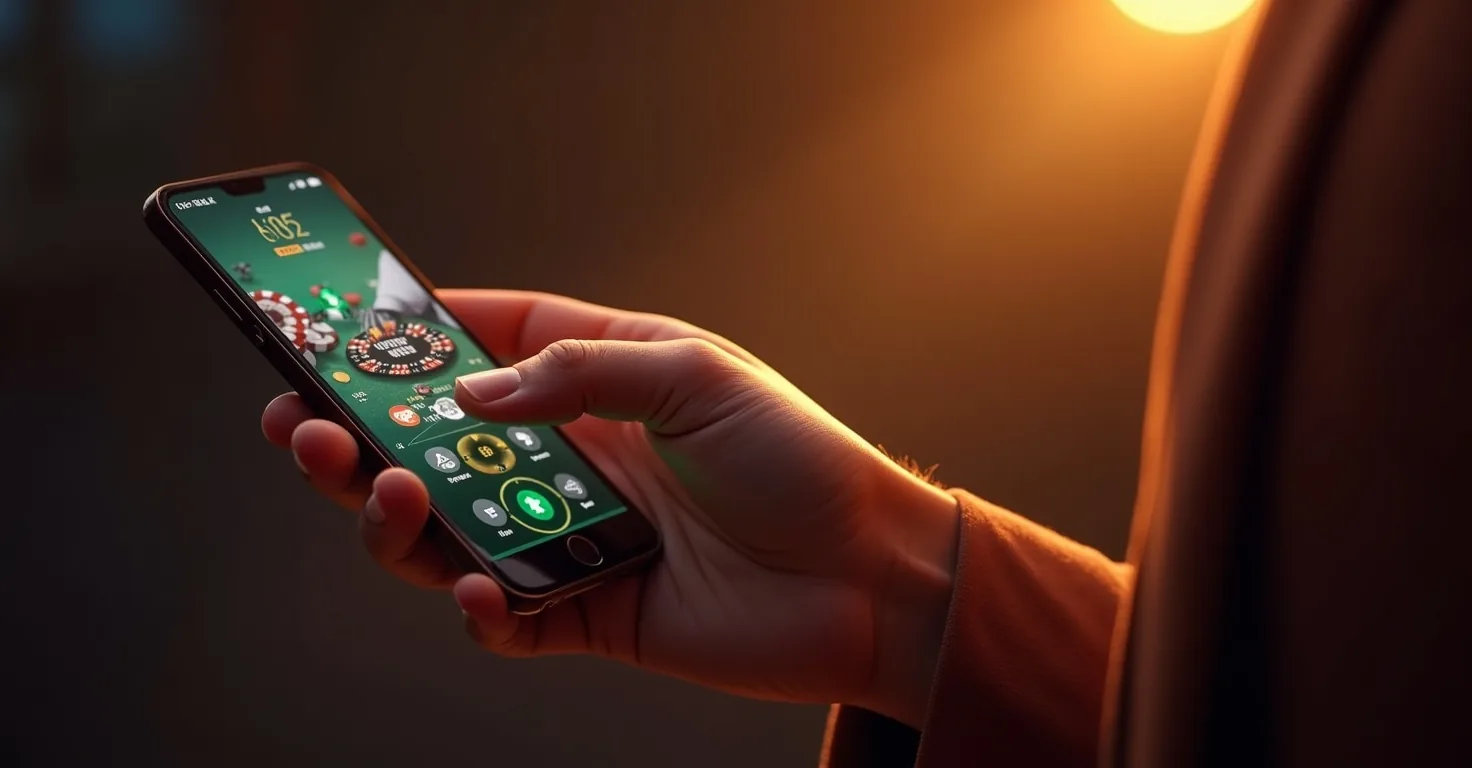
Android Setup
Mobile Browser vs. Android App - Side-by-Side Comparison
For most users, the real choice is not feature access but convenience: casino Grand Mondial works in both formats, while the app route simply reduces a few steps for repeat sessions.
For most players outside Ontario, the difference is less about missing features and more about whether you value a native-feeling shortcut over a pure browser session.
If you're an Ontario Android user deciding whether to install the app or just use the browser, here's an honest comparison of what each option actually offers:
| Feature | Mobile Browser | Android App (Ontario) |
|---|---|---|
| Game library | 1,000+ (full catalogue) | 1,000+ (full catalogue) |
| Deposits & withdrawals | ✓ | ✓ |
| Live dealer access | ✓ | ✓ |
| Bonus claims | ✓ | ✓ |
| 24/7 live chat | ✓ | ✓ |
| KYC document upload | ✓ | ✓ |
| Push notifications | ✗ | ✓ |
| Installation required | ✗ | ✓ (~150-200 MB) |
| Works on all devices | ✓ | Android 8.0+ only |
| Add to Home Screen | ✓ (iOS/Android) | N/A |
The differences are real but narrow. Push notifications are the only meaningful exclusive feature of the Ontario Android app - they allow Grand Mondial to send you alerts about promotions, bonus credits, and VIP rewards without you having to check the site manually. For players who want to stay on top of Rewards Riches updates (which refresh every four hours) or time-sensitive VIP offers, that's a genuine advantage.
For players outside Ontario, the question doesn't arise - the browser is the only option, and it works. For Ontario Android users, installing the app is a reasonable upgrade if you're an active player who benefits from notifications. If you only play occasionally, the browser via Add to Home Screen gets you 95% of the same experience with zero storage commitment.
Troubleshooting Common
Troubleshooting Common Mobile Issues
Most issues that players blame on Grand Mondial casino app behaviour actually come from browser permissions, weak connections, or incomplete setup rather than from the platform itself.
Most mobile problems with Grand Mondial are device-level or connection-level issues, not platform failures. Here's how to handle the scenarios that come up most frequently:
Games not loading or loading slowly This is almost always a cache issue or an outdated browser. Clear your browser cache (Safari: Settings → Safari → Clear History and Website Data; Chrome: Settings → Privacy → Clear Browsing Data), then reload the site. If the issue persists, try switching between Wi-Fi and mobile data to rule out a network problem.
Login not working on mobile If your credentials are correct but the login fails, try the following in order: clear the browser cache, disable any VPN you may have active, and confirm your browser is up to date. On Safari, check that cross-site tracking prevention settings aren't blocking the casino's login cookies (Settings → Safari → Privacy).
Live dealer tables freezing or disconnecting Live dealer games stream video in real time and require a more stable connection than standard slots - a minimum of 5 Mbps is the practical threshold. If you're on Wi-Fi, move closer to your router or switch to a mobile data connection. If the table disconnects mid-hand, re-entering the table will place you back in your position; any open bets are resolved according to the game rules at the time of disconnection.
Deposit or withdrawal errors on mobile Banking errors on mobile are usually session timeout issues. Log out, log back in, and retry the transaction. If you're using Interac on the Ontario app and the redirect isn't completing, confirm that your banking app is installed and updated on the same device.
Ontario app not showing promotions or VIP updates Confirm that push notifications are enabled for the app in your Android device settings (Settings → Apps → Grand Mondial → Notifications). If notifications are on but content isn't appearing, force-close the app and reopen it.
Who Should
Who Should Use the App - and Who's Fine in the Browser?
If you are in Ontario and on Android, the Grand Mondial casino app download is usually worth it; if not, a straightforward Grand Mondial casino mobile login through the browser is enough for most sessions.
The answer to this question is more practical than most casino guides suggest. There's no universal "best option" - it depends on your province, your device, and how actively you engage with the platform.
Ontario players on Android have the clearest case for installing the native app. The AGCO-regulated version from Google Play is the most direct, fully integrated experience available, and push notifications make it meaningfully more useful for active players who track VIP rewards and daily promotions like Rewards Riches. If you're in Ontario, on Android, and you play more than a few times a week, the installation takes a few minutes and the ongoing convenience is real.
iOS users everywhere in Canada, and all players outside Ontario regardless of device, are working with the mobile browser - and that's a perfectly complete setup. The HTML5 platform supports every feature the desktop does. Adding the site to your home screen via Safari takes under a minute and removes the browser chrome entirely, which is all most players need. You won't have push notifications, but you can check in on VIP offers and bonuses directly through the site whenever you choose.
The one scenario where the browser-only setup creates a real gap is for Ontario players on iPhone who want the full app experience. There's currently no iOS application in the App Store, which means even regulated Ontario players on Apple devices use Safari. That's a limitation worth knowing about before you commit to the platform as your primary mobile casino.
Across all setups, the game selection, banking, support, and bonus systems work the same way. The choice of access method affects convenience and notification features - not the actual casino experience itself.
FAQ
FAQ
These quick answers cover the main player concerns.
Is there a Grand Mondial Casino app for iPhone users in Canada?
No native iOS app exists for Canada, including Ontario. iPhone and iPad users access Grand Mondial through Safari or another mobile browser. You can add the site to your home screen via Share → Add to Home Screen in Safari, which creates a full-screen shortcut that works similarly to an app.
Where can I download the Grand Mondial Casino Android app?
The Android app is available on Google Play, but only for players in Ontario. Search for "Grand Mondial Casino Ontario" in the Play Store. The operator is Apollo Entertainment Ltd. and the app is regulated by AGCO. Players outside Ontario cannot download a native Android app - there are no APK files for sideloading.
Can I make deposits and withdrawals from the mobile version?
Yes. All banking functions - deposits, withdrawals, and transaction history - are fully available through both the Ontario Android app and the mobile browser version on any device. Supported methods include Interac, Visa, Mastercard, Neteller, Skrill, PayPal, and others.
Do I need to create a new account for the mobile app?
No. Your existing Grand Mondial casino account works across desktop and mobile. If you're installing the Ontario Android app, log in with the same credentials you use on the website.
What mobile browsers are supported?
Safari (iOS 9.0+) and Chrome or other modern browsers on Android 5.0+ are supported. The platform is built on HTML5, which means it runs on any current browser without additional plugins or downloads. Keeping your browser updated to the latest version ensures the best performance.
Is the game selection the same on mobile as on desktop?
Yes. All 1,000+ games - including slots, RNG table games, video poker, and live dealer tables - are accessible through the mobile browser version. There is no reduced catalogue on mobile.

Liam Forsythe
Online casino analyst
Casino analyst and independent reviewer covering the Canadian online gambling market. Liam Forsythe evaluates platforms on licensing, bonus terms, and payment transparency - with a critical eye and no promotional agenda.